


Before
After
Travel & landscape photos
Erase crowds, signs, trash, cars, and clutter from scenic shots while keeping the place natural.
Remove unwanted objects, people, text, and distractions from photos with AI. Free, fast, and online.
Try Sample Image
Supported formats: png jpg jpeg webp bmp
ProRemover works on all major image formats including JPG, PNG, and WEBP. Ideal for photos, product shots, screenshots, memes, and more.
Erase crowds, signs, trash, cars, and clutter from scenic shots while keeping the place natural.


Remove props, dust, labels, background objects, and messy edges before publishing product photos.


Clean captions, stickers, overlays, old logos, and distracting marks from shareable graphics.


Prepare cleaner posts, thumbnails, stories, and campaign visuals with less background noise.


Remove photobombers, background distractions, stickers, and small marks from portraits and selfies.
Each scene below targets a real long-tail search behind remove object from photo online free, from people removal to product cleanup.
Remove people, trash cans, poles, photobombers, cars, and signs from travel photos when the location is perfect but the background is crowded.
Remove text from image files, clean date stamps, erase distracting logos, and make reused visuals feel ready for a new layout.


Remove unwanted items from product photos, including background clutter, extra props, small marks, tags, and messy edges.
From travel shots to screenshots, ProRemover helps remove unwanted objects, text, logos, people, stickers, and overlays with a simple online workflow.
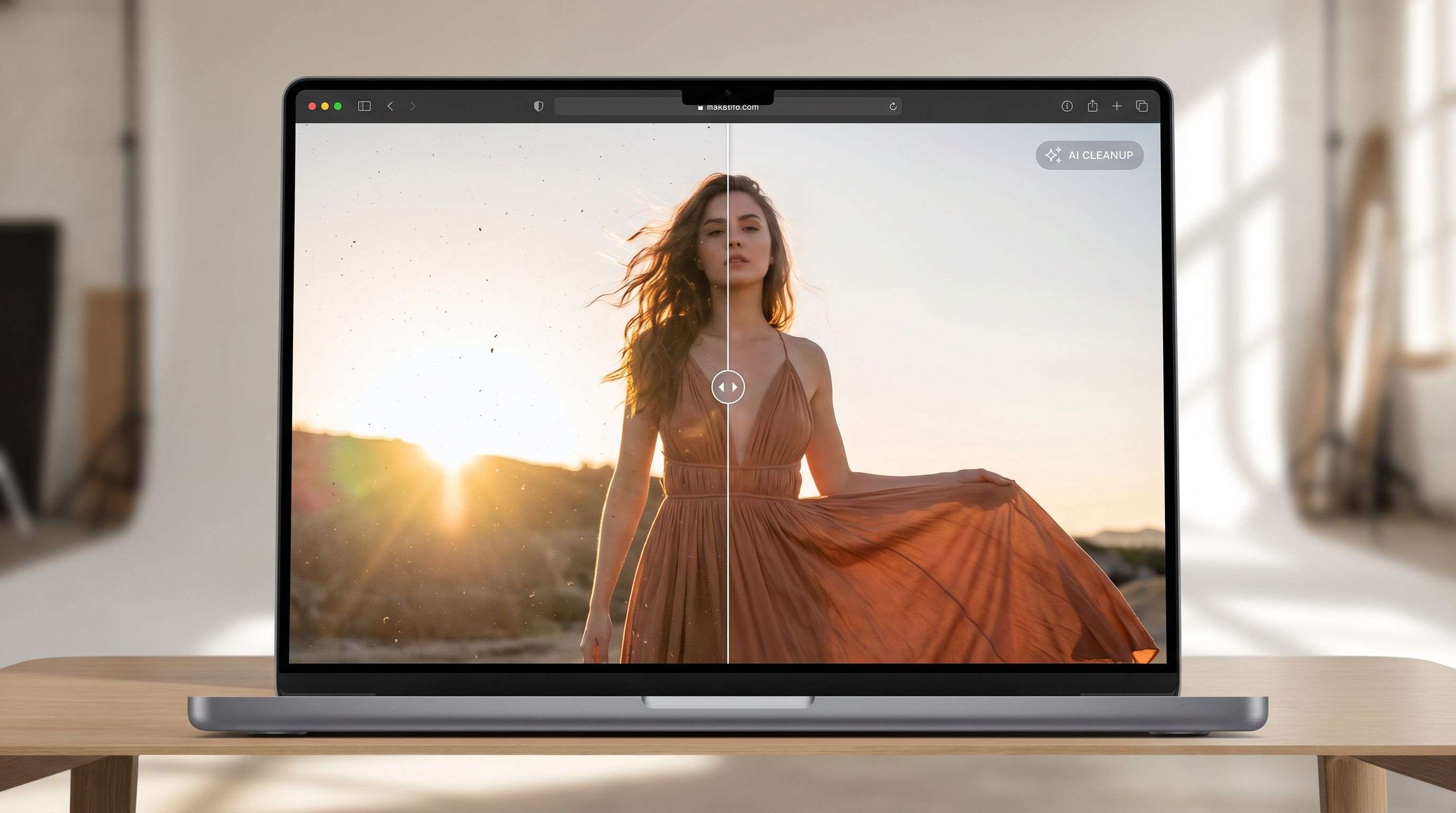
Use ProRemover to remove any unwanted object, text, logo, or person from your photos and refine the result with the AI image editor. Enter a prompt to re-edit, clean up, or creatively transform your image.
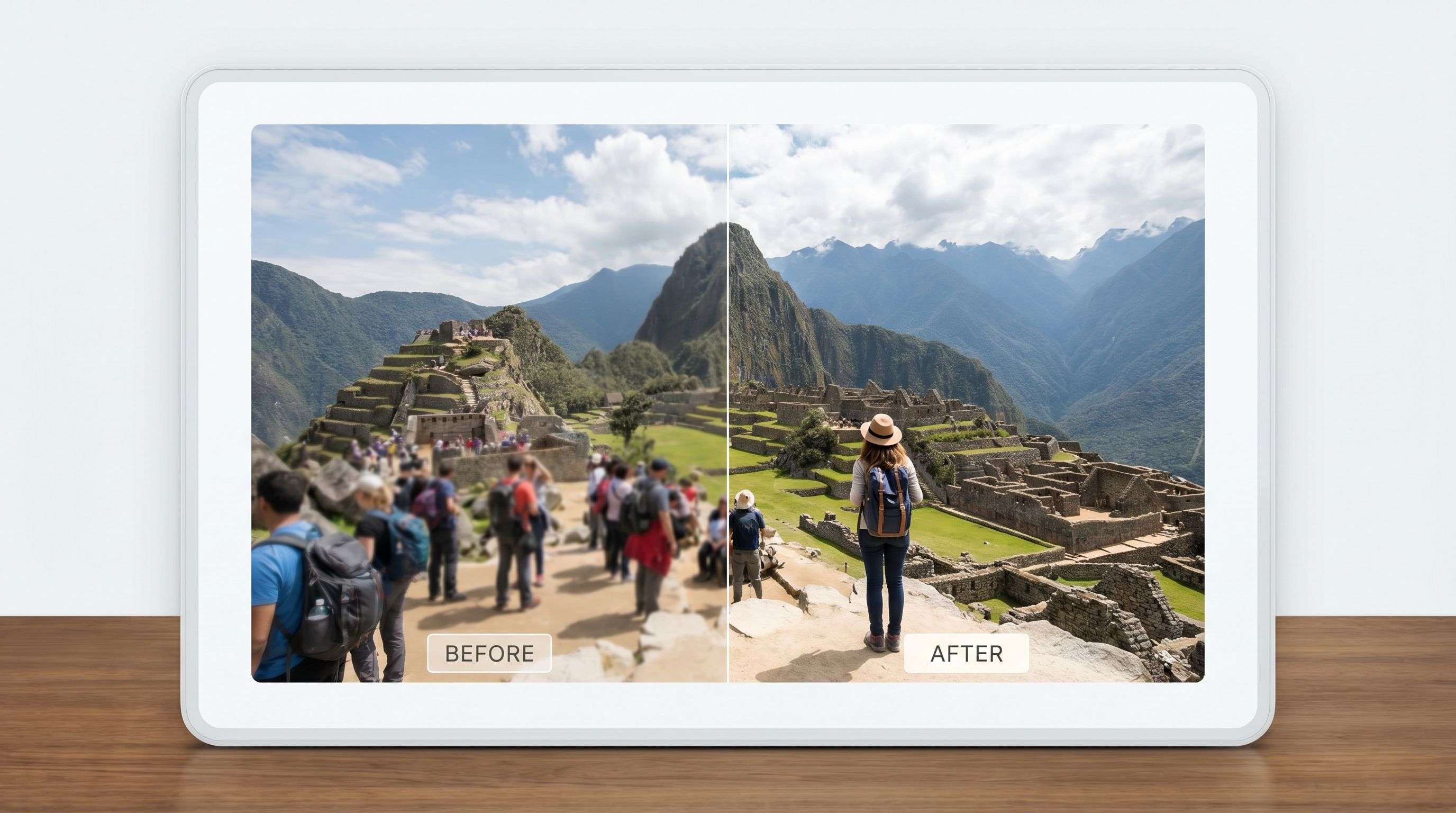
Automatically eliminate strangers or photobombers from photos in seconds. ProRemover restores the scene after removal and helps keep the subject focused and distraction-free.
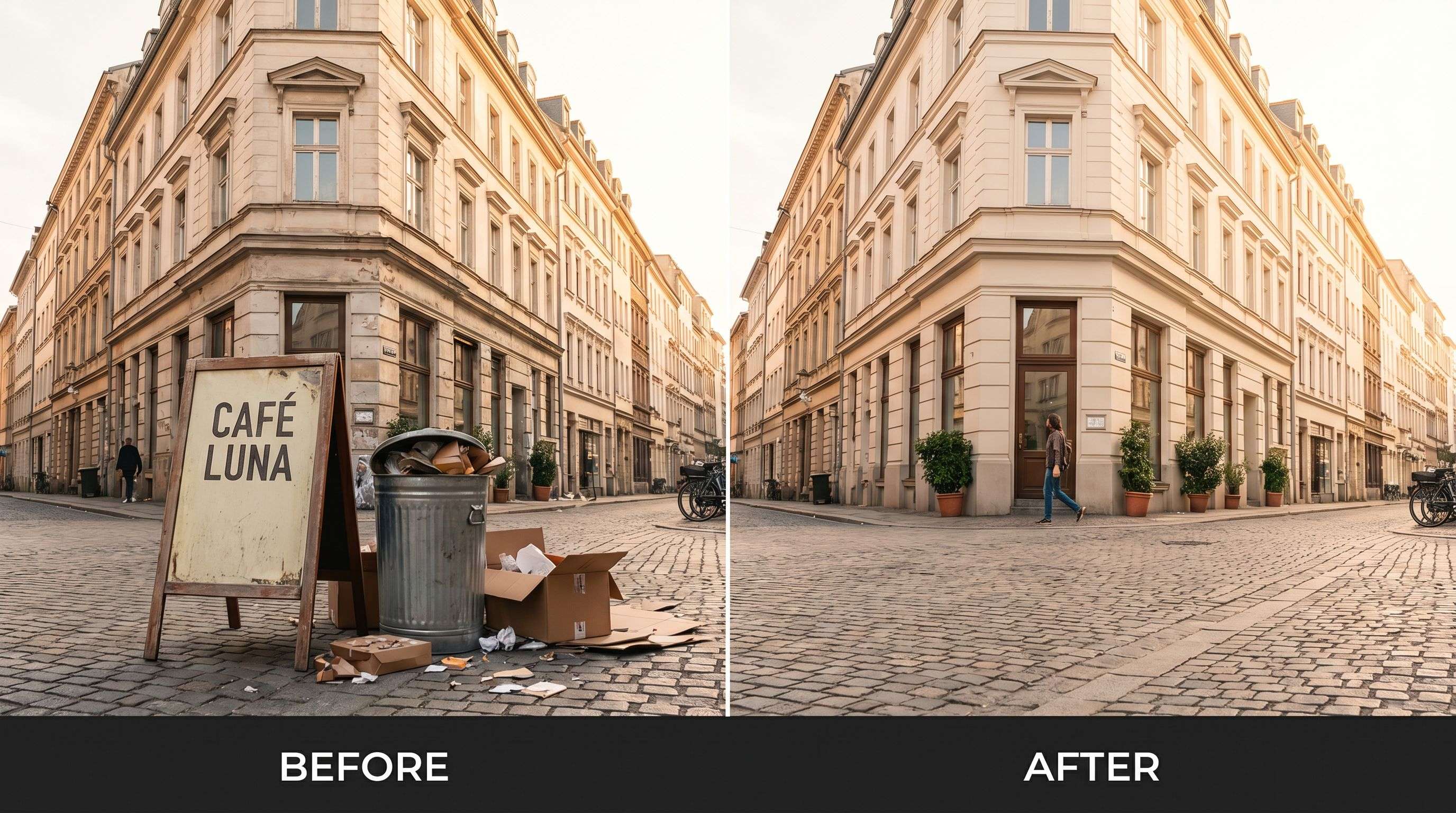
Make unwanted objects disappear from your photos with a simple editing flow. Whether it is trash, a sign, a wire, or random clutter, ProRemover helps clean the image quickly.
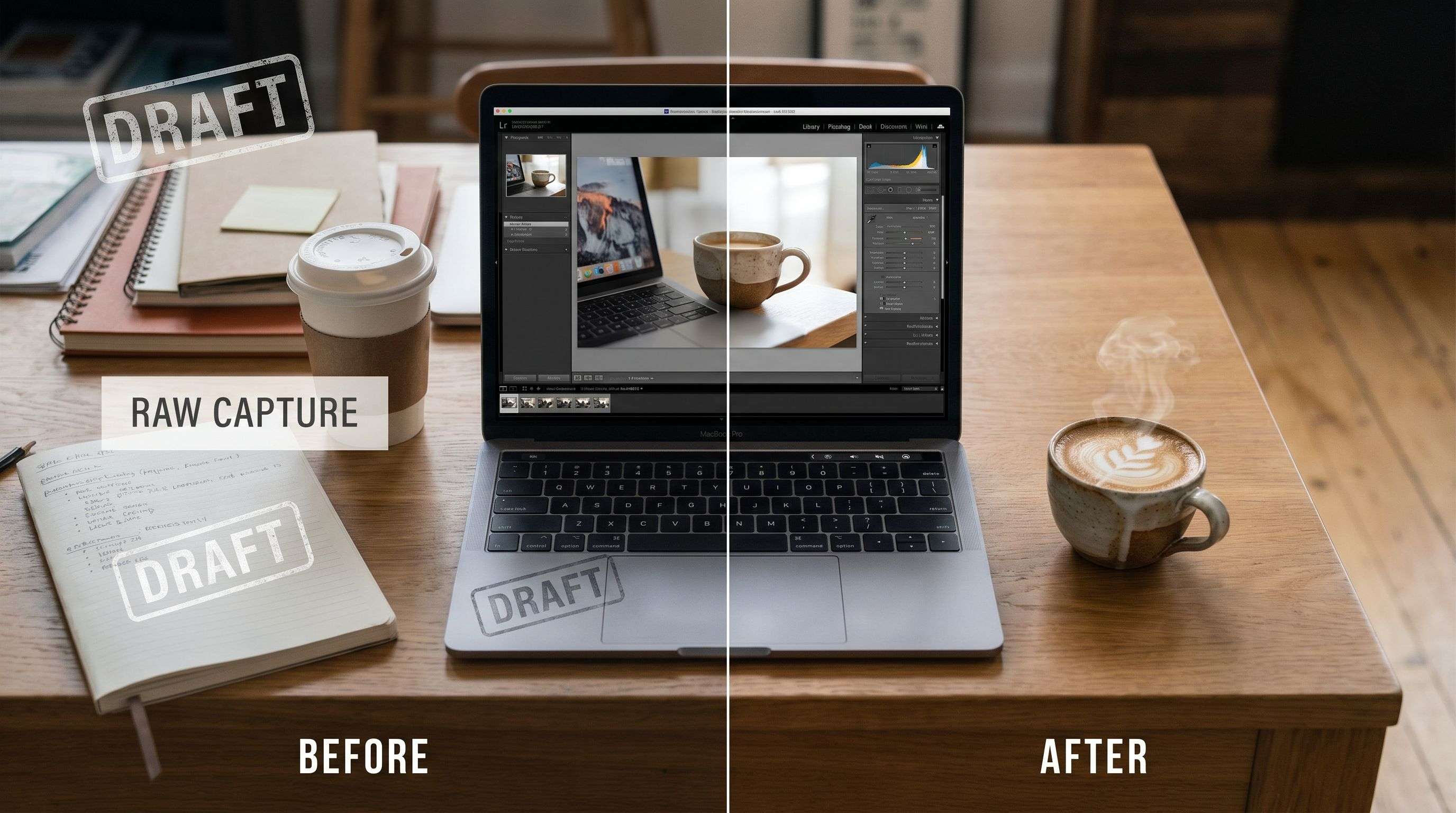
Remove text, captions, timestamps, or watermarks from images without messy smudges. The background stays clean so the photo is ready to reuse.
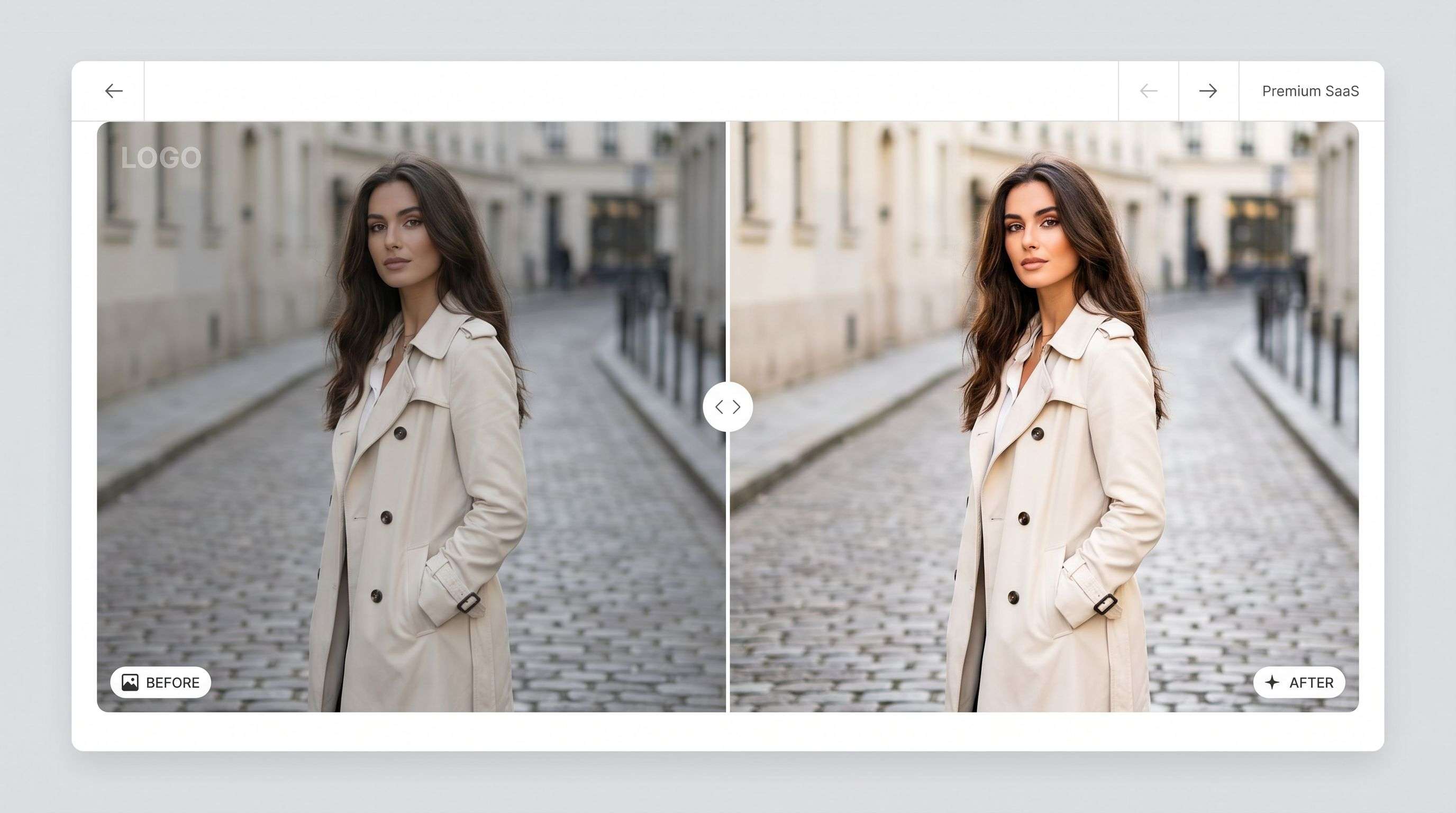
Use ProRemover to remove logos, watermarks, or brand marks from photos with clean results and no obvious traces left behind.
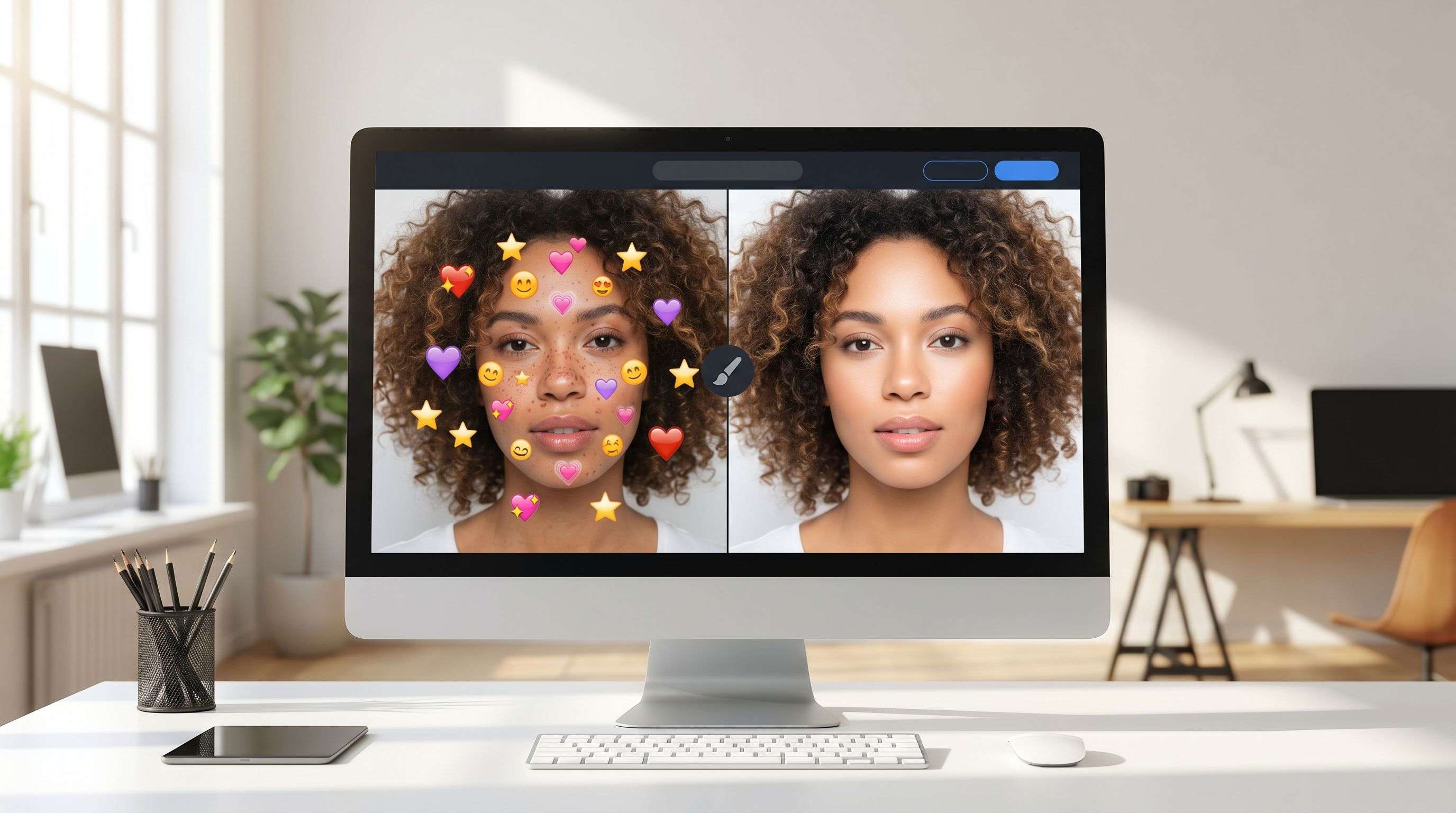
Remove emojis, stickers, overlays, arrows, and pasted graphics from images so the original photo feels clean again.
Real results from creators, sellers, marketers, and everyday users who clean up photos with ProRemover.
"Removed unwanted text from real estate photos in seconds. Huge time-saver for my listings."

"My thumbnails look way more professional after removing messy background objects."

"I can clean photos quickly on my phone. Total game changer for social media work."

"Clean, appetizing food photos after removing clutter. My blog looks much better."

Keep the workflow simple: upload a photo, clean the distraction, and move on without opening complex editing software.
Start cleaning images in your browser without installing Photoshop or a heavy desktop editor.
Let AI fill the removed area naturally so the final photo still looks usable for publishing, sharing, or selling.
Clean people, text, logos, marks, background objects, and small visual distractions with a focused online workflow.
The best object remover is the one you can use quickly. The workflow stays short so you can fix a photo and get back to publishing.
Choose a JPG, PNG, or WEBP image with an unwanted object, person, logo, date stamp, or background distraction.
Use the online editor to prepare the image and let AI generate a cleaner version of the photo.
Save the final image for ecommerce, travel posts, social content, profile visuals, or marketing assets.
Start with affordable Starter monthly credits, buy one-time credits for occasional edits, or unlock high-volume Bulk image processing with Bulk Pro or a 30-day Bulk Pass.
For users who want a monthly ProRemover plan.
Subscribe for $8.90 today, then renew at $9.90 monthly with 300 credits. Cancel anytime from billing settings.
Includes
Buy non-expiring credits, or choose Bulk Pass for a high-volume project.
Select a package
The high-volume plan for stores, agencies, and creators who process images in batches.
2,000 credits refresh monthly and Bulk stays unlocked while your subscription is active.
Includes
Answers for common long-tail searches around free AI object remover tools.
Learn how to choose AI image editing tools for removing objects, backgrounds, text, and visual distractions.
Learn how to remove people, text, wires, signs, and unwanted objects from images with AI.
Read guideCompare free and online people remover tools for travel photos, portraits, ecommerce, and social media.
Read guideCompare ProRemover, remove.bg, Pixelcut, Canva, and Photoroom to choose the best workflow.
Read guideSee when ProRemover is a better Pixelcut alternative for background, text, and watermark cleanup.
Read guideUpload an image and clean people, text, logos, product clutter, date stamps, and background distractions online.